


 Communication Solutions
Training & Implementation
Funding
About Us
Contact
Support/Service
Find an AAC Consultant
Search
Communication Solutions
Training & Implementation
Funding
About Us
Contact
Support/Service
Find an AAC Consultant
Search
Select Language
Empower® 1.33 brings new possibilities for symbols and vocabularies! Update your Accent® device to 1.33 today!
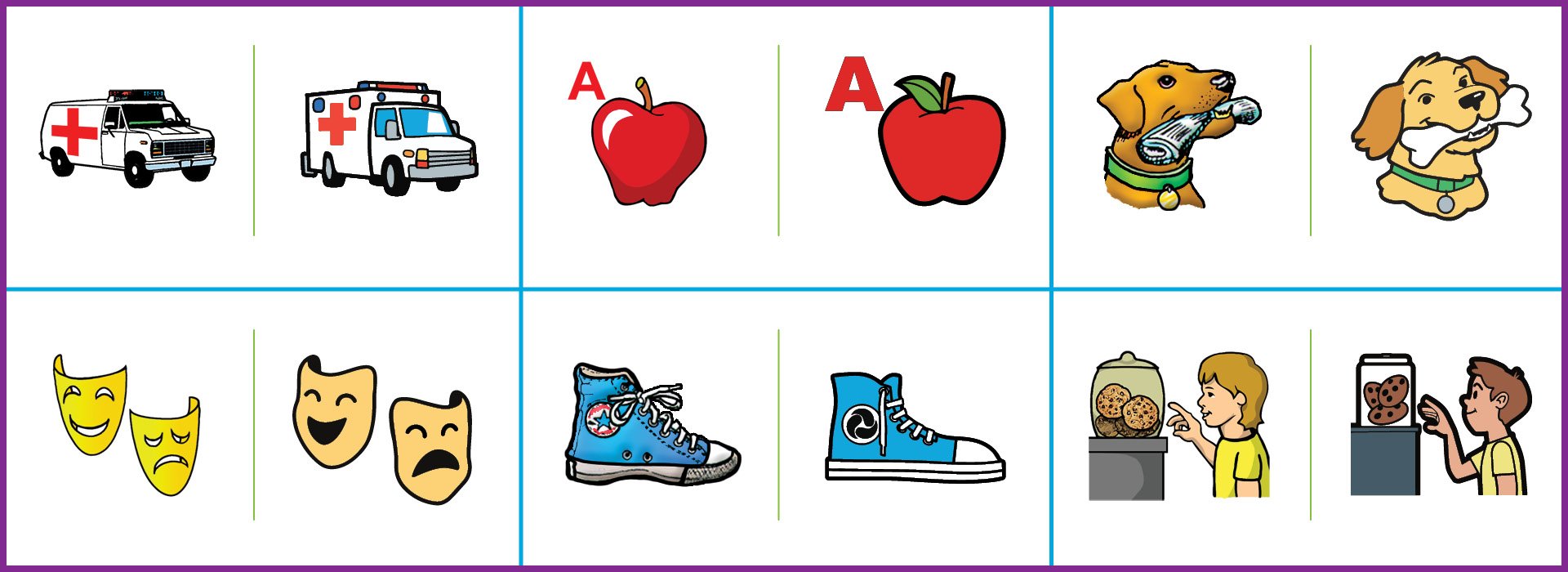
A new modern version of Minspeak® multi-meaning symbols is here! Modern symbols feature simplified details, lines, and colors for visual clarity while maintaining the composition of the Classic symbols that are established for countless communicators. This purposely diverse symbol set has been redrawn by our illustration team in a scalable, never-blurry format that removes pixelation and allows for more symbol options down the road.
In the Empower software toolbox, you have the option to switch between Classic and Modern symbols in the following vocabularies:
You may toggle between the two symbol sets at any time, but only one set of symbols can be used at a time. Watch this video to see how to switch between symbol sets in seconds:
Here’s a comparison of some well-loved Minspeak symbols found on the home page of LAMP Words for Life and Unity vocabularies. The left symbol in the pair is Classic; the right symbol is Modern. Which Modern symbol do you like best?
If you have additional questions about the new symbol set, check out this blog post or connect with your PRC-Saltillo AAC Consultant .
Unity 144 1-Hit and Sequenced, the largest Minspeak vocabularies with 9 rows and 16 columns, is debuting in Empower with feedback from communicators and professionals across the AAC community.
.png)
Explore the new vocabulary converter feature in NuVoice® 2.43 and Empower 1.33 software that allows you to convert and transfer most customized vocabulary files to a different software platform. This gives you more options for your AAC solution. The vocabulary conversion process focuses on the transfer of words/messages, symbols/photos, labels, navigation, and some basic tools.
You may convert many custom files, including LAMP Words for Life® and Unity files, from NuVoice to Empower, or from Empower to a NovaChat® or Via®/iOS device, or both!
Curious about which vocabulary files are compatible to convert? Explore the list of vocabularies along with step-by-step instructions for file conversion in PRC-Saltillo’s online Knowledge Base . It’s free and available to everyone on your AAC team.
Learn More About the Vocabulary Converter Feature
If your device is set up for over-the-air updates, you’ll be able to install Empower 1.33 once it becomes available. You can also check for updates in the Toolbox under System Settings. Find step-by-step guidance to update Empower or watch the video below.
Your PRC-Saltillo AAC Consultant is ready to support your Accent communication. Explore the new features available with Empower 1.33 and reach out with any questions.
Software Updates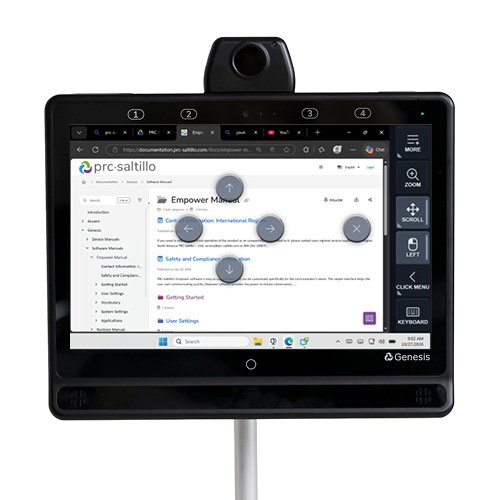 Products
Your Genesis Communication Device, Now In Control Of Your Computer
Published November 4, 2026Expand what’s possible with Genesis computer control. Use familiar eye or head tracking to navigate Windows, browse, type, scroll, click, and more.
 AAC Funding
Funding Update: What Elevance Health’s New 60-Day AAC Trial Requirement Means For You
Published November 3, 2026Learn what Elevance Health’s new 60-day AAC device trial requirement means for your client and how to prepare, document, and get funding support.