


 Communication Solutions
Training & Implementation
Funding
About Us
Contact
Support/Service
Find an AAC Consultant
Search
Communication Solutions
Training & Implementation
Funding
About Us
Contact
Support/Service
Find an AAC Consultant
Search
Select Language
It's a question we hear fairly often: Keyguards? TouchGuides? KeyGuides? What are they? How are they different? How do I know what to buy?
Keyguards, TouchGuides, and KeyGuides are types of access technologies that support touch access on speech generating devices. These are available in different colors (e.g., black, white, clear), sizes, and styles (e.g., hinged, fixed). Below is a brief overview of each one. You can learn more details on the PRC-Saltillo eStore.
|
|
|
||
 |
 |
 |
||
 |
 |
 |
||
Want to get your hands on one, or understand what might be best for you, your client or family member? Connect with your PRC-Saltillo AAC Consultant today!
AAC Funding Software Updates
More Ways To Make AAC Your Own: What’s New In The 2026.3 App Update
Published October 14, 2026Discover what’s new in the 2026.3 AAC app update, including Modern Minspeak symbols, personalized AI features, new vocabularies, and accessibility updates.
 Educational Resources
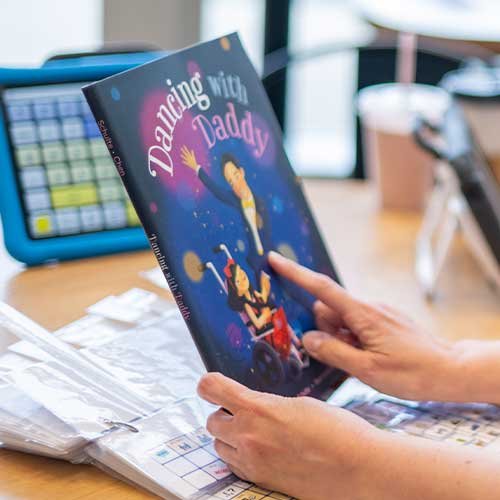
Representation Matters: Books And Media That Amplify AAC Voices
Published September 23, 2026Discover books, movies, TV shows, and media featuring AAC users and people with communication disabilities. Explore authentic stories that promote awareness, inclusion, and representation.


