


 Communication Solutions
Training & Implementation
Funding
About Us
Contact
Support/Service
Find an AAC Consultant
Search
Communication Solutions
Training & Implementation
Funding
About Us
Contact
Support/Service
Find an AAC Consultant
Search
Select Language
Switch access allows individuals with physical disabilities to control communication devices and other technology using simple, intentional movements. Instead of relying on touchscreens, keyboards, or eye tracking, you can activate augmentative and alternative communication (AAC) switches with a body part—like a hand, foot, elbow, or even a knee—to make selections on your device.
This method is especially helpful for individuals who may not be able to use other complex access methods like eye gaze or head tracking. With adaptive switches, communication becomes possible, one click at a time.
Switches are external accessories which connect to your AAC system allowing you to interact with it through scanning. As your device highlights options (letters, words, or symbols) on the screen, activate the switch when your desired choice is highlighted to select it.
Switches can also be combined with other access methods like head tracking or joysticks for a more customized and efficient experience.
Switches are incredibly versatile and can be tailored to meet a wide range of physical needs. Here’s why they’re a great option:
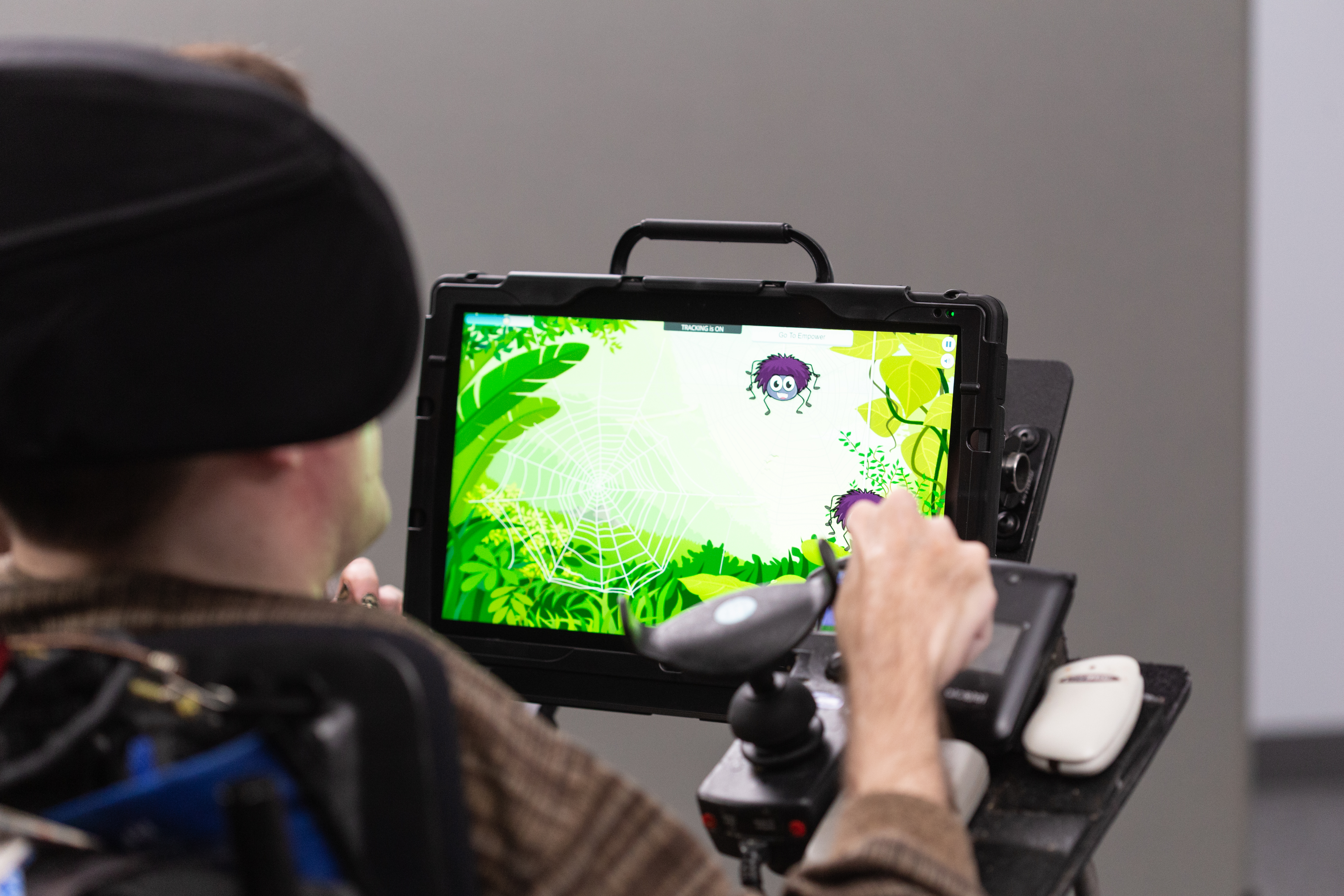
Learn about the various AAC access methods. Access methods refer to the way an individual is able to reach and use their system.
Explore Classes >