


 Communication Solutions
Training & Implementation
Funding
About Us
Contact
Support/Service
Find an AAC Consultant
Search
Communication Solutions
Training & Implementation
Funding
About Us
Contact
Support/Service
Find an AAC Consultant
Search
Select Language
It’s time to update your NovaChat® and access new vocabulary words and features. To update your speech-generating device, start by connecting to WiFi. Then go to Menu > Help > Check for Updates and follow the prompts.
You can now customize your Chat Software to highlight words in the speech-display bar when they are spoken. This will increase the connection between the written word and the spoken word. Visit the literacy section of the application settings menu to select this new feature; visit the style section to choose your highlight color.
Watch the video to see this new feature in action.
All English WordPower files
The Social page now includes a button to let someone know that “something’s wrong.”

All WordPower files (except WordPower 20 Simply)
A button for Microsoft Word is now available on the Writing to Apps page. Activating this button will open Microsoft Word if you have it installed on your device.

Note: if you are on a larger WordPower file, you will not have to select the more groups page.
WordPower 80
Verbs are updated on the main page. A button for the verb “wear” now follows pronoun selection and the verb “wear” now has a link to clothes. Here’s one example.

WordPower 42 Basic, 60 Basic, 80, 108, 140
Food and drinks categories are updated with button actions to let you say “I drank” and “I ate.”


WordPower 60 Basic
Check out the actions page to activate the following core verb buttons: choose, fold, hide, hug, kick, pick, and share. The verb melt is now available through the Actions A-Z button.

WordPower 42 Basic
Check out the actions page to activate the following core verb buttons: choose, cut, fold, hug, share, and squeeze. The verbs melt and hide are now available through the Actions A-Z button.

Looking for fun and interactive ways to practice AAC vocabulary this summer? Check out the AAC Language Lab Summer Camp 2023. Practice AAC with five weeks of action-packed themed materials. Enroll today through AAC Learning Journey.
Software Updates Software Updates
More Ways To Make AAC Your Own: What’s New In The 2026.3 App Update
Published October 14, 2026Discover what’s new in the 2026.3 AAC app update, including Modern Minspeak symbols, personalized AI features, new vocabularies, and accessibility updates.
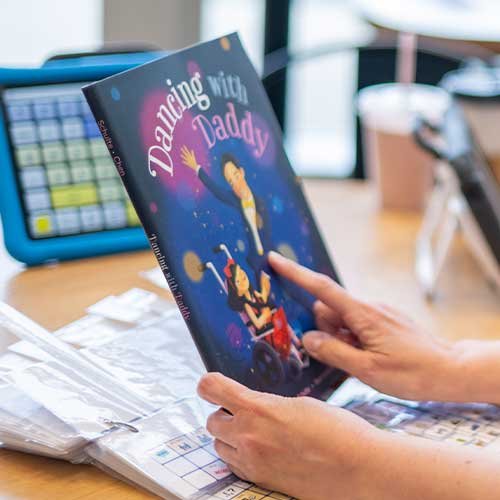 Educational Resources
Representation Matters: Books And Media That Amplify AAC Voices
Published September 23, 2026Discover books, movies, TV shows, and media featuring AAC users and people with communication disabilities. Explore authentic stories that promote awareness, inclusion, and representation.